
Get the image right,
then make itbigger.
Use an imagegen preview to settle the composition and style. Once approved, send the preview and prompt together for cloud 4K generation, then use local upscaling to prepare a large-format print master.
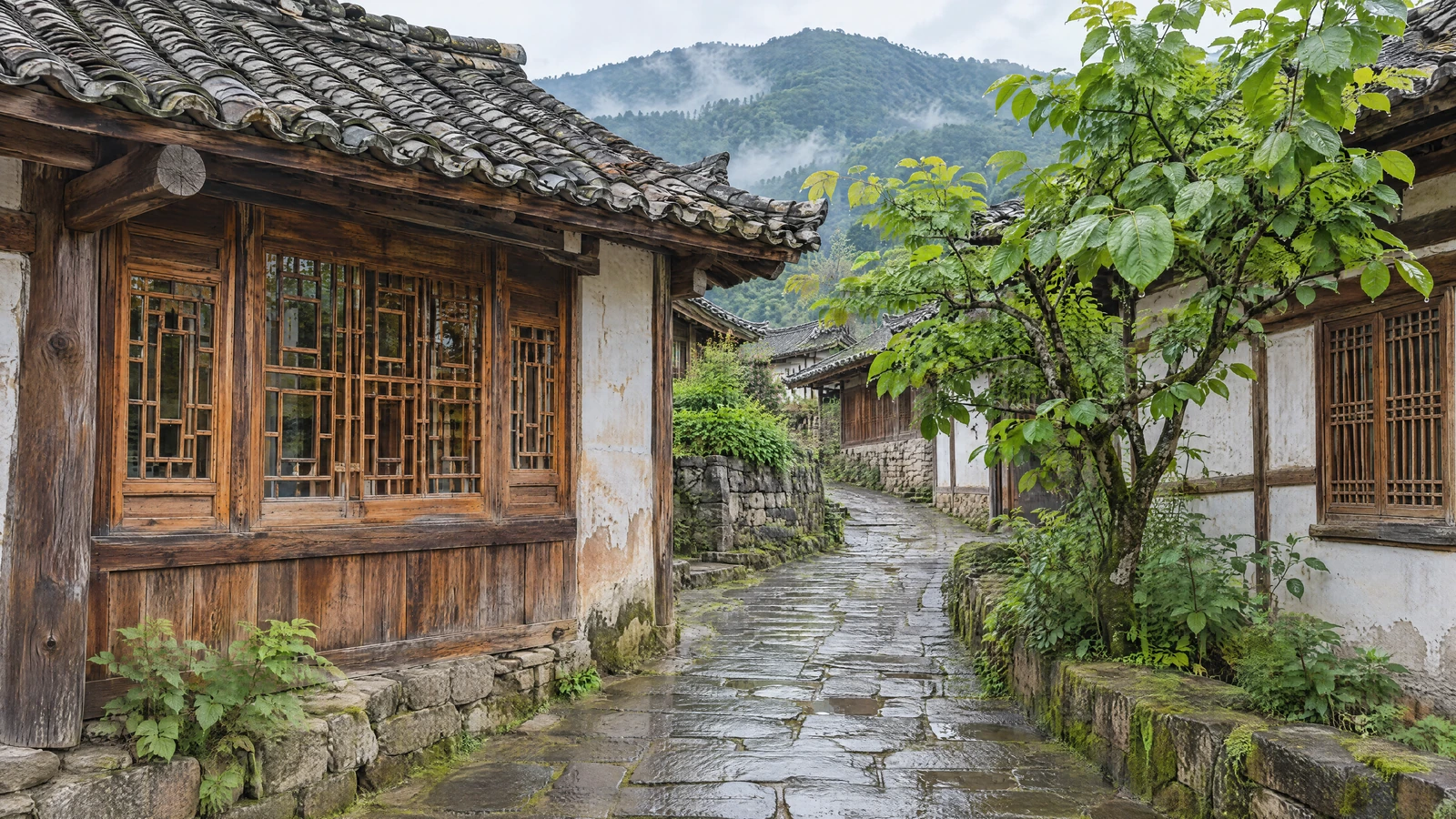
Settle the image with a preview first
Check composition, color and the main structures. Keep revisions at the preview stage until you are satisfied.
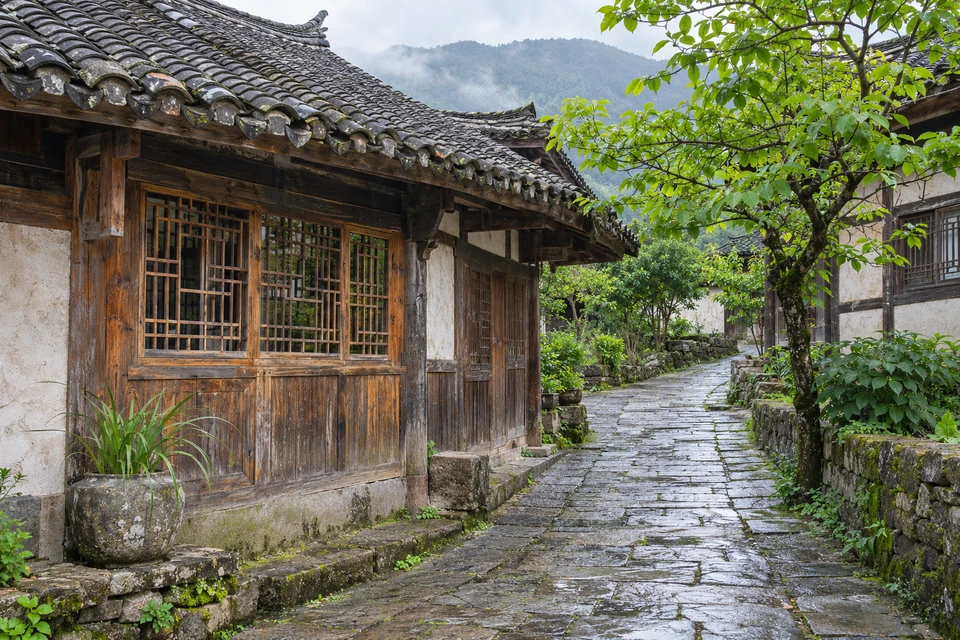
Use imagegen to create a horizontal 16:9, 1080-class composition preview: a photorealistic mountain-town lane after rain, with gray tiled roofs, weathered wooden windows and wet stone paving nearby, a green tree on the right, and a distant mountain ridge in light mist. Eye-level view, soft neutral daylight, clearly readable materials, no people, text or watermarks. Save the actual returned original and complete prompt, then show me the image for approval.
1080-class describes the preview target; the actual dimensions depend on the imagegen result. The existing preview here is 1536×1024, not exactly 1920×1080. For a new task, use the final aspect ratio from the beginning.
Once approved, generate 4K from the preview and prompt
Select the approved preview for cloud image editing. Use it to constrain composition, then specify what to preserve and enhance.
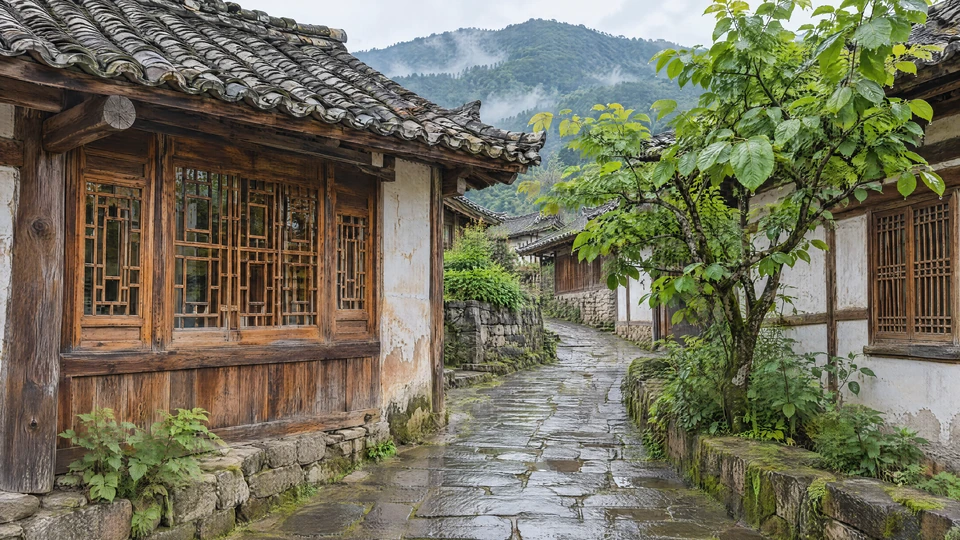
Upload my selected preview as a reference and reuse the complete approved prompt. Use cloud gpt-image-2.6-sunburst image editing to create a 3840×2160, high-quality PNG. Preserve the reference composition, camera direction, building and tree positions, light and colors; enhance natural detail in the tiles, wood, stone and leaves. Keep the same scene. Preserve the preview, save the service's directly returned 4K original separately, and verify its actual dimensions.
Expand the copyable cloud editing template
{
  "kind": "edit",
  "parameters": {
    "model": "gpt-image-2.6-sunburst",
    "prompt": "Reuse the approved complete prompt; preserve the reference composition and style, and enhance natural material detail",
    "size": "3840x2160",
    "quality": "high",
    "output_format": "png",
    "n": 1
  },
  "references": [
    {
      "source": "cloud",
      "path": "REPLACE_WITH_ACTUAL_UPLOADED_PREVIEW_PROJECT_PATH"
    }
  ],
  "requestId": "Use a new UUID for each new task; retain the same ID and parameters for retries"
}Scope of this test:The 4K sample above was generated successfully, but that run reused only the prompt and did not supply the preview as a reference, so its composition changed. Using the preview plus prompt is the recommended new workflow, and this sample does not verify its consistency. Here, “native 4K” means the service returned the target dimensions directly, without a separate local upscale.
Upscale the complete approved 4K original by 4×
This test used the local Real-ESRGAN general photo mode. Width and height each increase by 4×, so the total pixel count increases by 16×.
Run local Real-ESRGAN on the approved 3840×2160 native 4K image, using general photo mode and scale=4. Process the entire image and output a 15360×8640 PNG. Preserve the 4K original and save the upscaled master and lightweight preview separately. Check actual dimensions, fully decode the file, and compare details in the tiles, wooden window, stone lane and leaves.
3840 × 2160
8.29 MP · PNG 18.57 MB
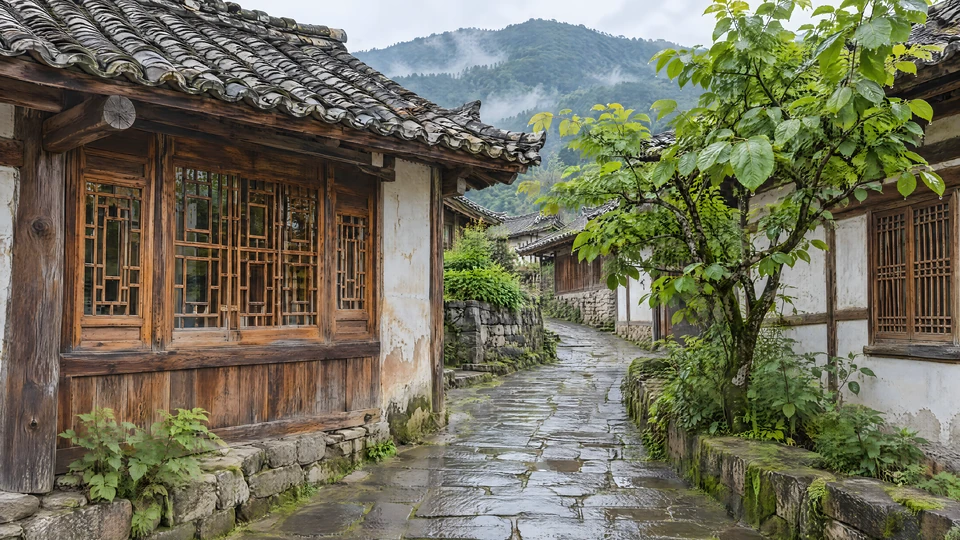
15360 × 8640
132.71 MP · PNG 208.63 MB
Both images are full-frame thumbnails. See the matching-coordinate crops below to compare the actual differences.
After enlarging, check whether materials have changed
Compare one 4K original with its complete 4× upscale. Switch materials and drag the divider.
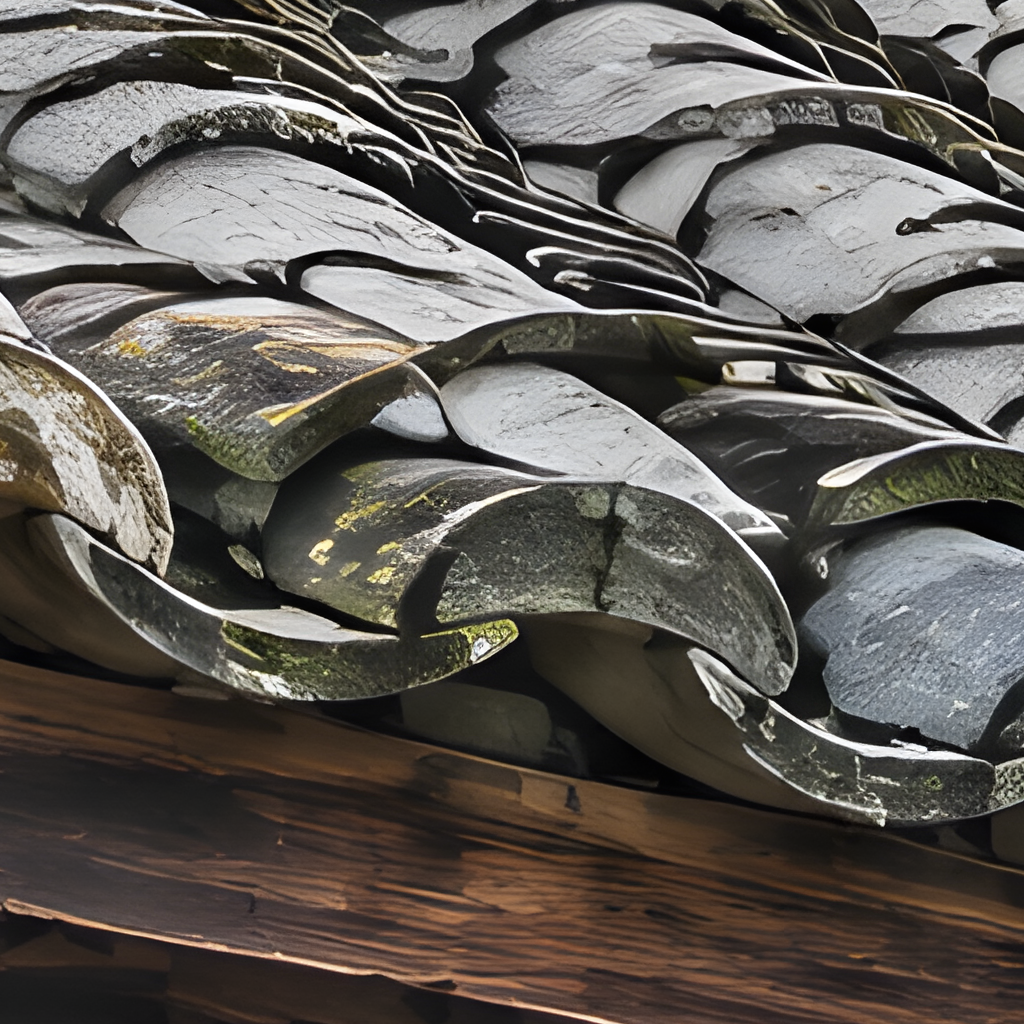
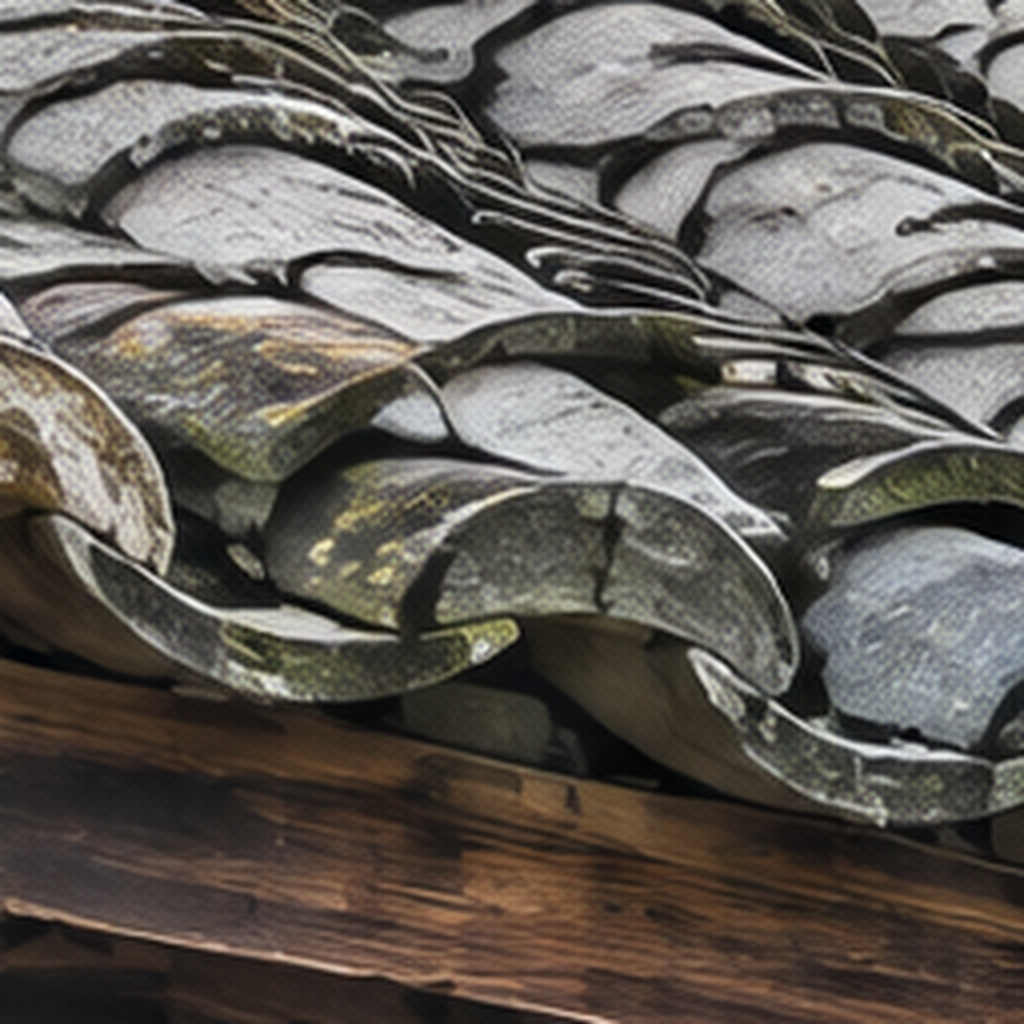 4K original · Interpolated4× upscale
The same 256×256 region of the original, compared at a common 1024×1024 size.
Lossless WebP with the same field of view. The page scales images to your screen, so both are not necessarily displayed at 100% native pixels. Upscaling increases usable pixel count; it does not prove that real scene details have been recovered.
Tiles and window grids are clearer.
High-contrast edges are crisper; also check halos and deformation.
Leaves and water are smoother.
Judge newly introduced fine patterns against the original and a physical proof.
Keep three files and know where each came from
The preview is for approval; the 4K original is the upscale input; the large master is for layout, cropping and prepress work.
Save the approved imagegen original
Also save the complete prompt
Directly returned by the cloud service
Verify 3840×2160
Complete local 4× upscale
Verify 15360×8640
Save a separate 1920×1080 JPG for quick previews. The original and 208.63 MB master are delivered separately and are not included in the lightweight blog package.
How large can this image be laid out?
Calculate dimensions using the print shop's required PPI, then confirm viewing distance, substrate and proof quality.
130.05 × 73.15 cm15360×8640 pixels · 300 PPI · Dimensions only
Centimeters = pixels ÷ PPI × 2.54. Changing only the PPI tag adds neither pixels nor detail.
Check four things before sending to the print shop
- Size and bleedConfirm the final aspect ratio, crop boundaries and bleed.
- Color and file formatThis PNG is RGB with no embedded ICC profile. Apply color management and export using the print shop's specified profile.
- Inspect detailsInspect the complete master for halos, seams, texture changes and structural distortion.
- Physical proofApprove a sample on the intended substrate at the actual scale before producing the large print.
This case delivers a prepress working master; a physical print has not yet been accepted. The 300 / 200 / 150 PPI values are conversion settings, not universal quality guarantees for every printing process.
Parameters and test records
Expand these notes when you need to review the evidence. Task records, originals and hashes are retained separately; article text and images can be read offline.
Interface, actual provenance and dimension checks
On 2026-11-13, the workspace cloud image catalog was tested and included gpt-image-2.6-sunburst with generate / edit support. This direct-generation test requested 3840×2160, high quality and PNG, and returned those dimensions. The catalog limits were a 3840-pixel long edge and 8,294,400 total pixels. Other requests may be adjusted automatically; read the actual result.
The existing imagegen preview is 1536×1024, and the tool did not expose its underlying model ID. The 4K run used text-to-image without a reference, reusing the prompt while changing the aspect ratio to 16:9. The preview-plus-prompt editing workflow has not been verified in this case. Different compositions are not presented as matching-coordinate comparisons.
The 4K → 4× step was completed on the entire image: Real-ESRGAN / general / Vulkan, 3840×2160 → 15360×8640. The actual files were fully decoded and checked for size and SHA-256.
from PIL import Image
Image.MAX_IMAGE_PIXELS = 200_000_000  # Only for this known large image
with Image.open("native-4k-x4.png") as im:
    im.load()
    assert im.size == (15360, 8640)
    print(im.size, im.mode)
Matching-coordinate method, task IDs and hashes
Four 256×256 regions were cropped from the 4K original. Corresponding 1024×1024 regions were cropped from the complete upscale at coordinates multiplied by four. The original crops were enlarged to 1024×1024 using Lanczos, and both versions were saved as lossless WebP for equal-scale display. Sampling coordinates and full records are in case-data.json.
Cloud 4K task
98e6fec7-46b4-46da-9042-071f5239db24
4K / 3840×2160 / 18,569,034 bytes
32a19b11ccda2c32e380222e405f5dfe7f296a4a77c08ff4c176fbece07cd2e0

Local 4× task
e7fe79fa-3c2e-4e09-ad48-c3c9abc1b67a
4× / 15360×8640 / 208,634,851 bytes
d41ff72de74a8b037827f2b379cb7c7f87117a34261b3d17501c751c666cfd6c
The complete prompt used for this cloud 4K image
Use case: photorealistic-natural
Asset type: a single detailed landscape photograph for a hands-on image-generation and super-resolution case study.
Primary request: Create a beautiful, believable rain-washed mountain-town street in southwestern China, combining old architecture and nature. No people. This must read as an actual high-quality editorial travel photograph, not fantasy concept art or a digital painting.
Scene: A gently rising narrow stone lane winds from the foreground toward the middle distance between two modest traditional timber-and-plaster houses. Layered gray clay-tile roofs and naturally weathered wooden windows are clearly visible at medium-close distance. A small green tree grows beside the lane. Beyond the houses, one quiet mountain ridge in gentle atmospheric haze establishes the landscape. It is morning just after rain.
Composition: Single uninterrupted horizontal 16:9 composition, eye-level 35 mm environmental view, credible straight architectural perspective, balanced and spacious. The architectural setting occupies most of the frame. Keep four distinct, substantial inspectable areas: detailed curved roof tiles in the upper-left to center, a wooden lattice window and timber grain at middle-left, uneven moss-edged wet paving stones across the lower foreground, and naturally varied small green leaves at middle-right. Each area should contain recognizably structured detail, not microscopic indistinct noise. Keep all these material areas within the main depth of field. Use the lane to lead the eye into the scene; only the distant ridge is gently hazy.
Materials and lighting: Physically believable clay tiles with small chips and slight color variation; real wooden grain along planks and window frames; damp stone with small-scale roughness and restrained reflected daylight; varied leaf sizes, veins on larger leaves and coherent branching. Soft neutral daylight with subtle warm window wood, natural greens and gray stone. Clear local detail without oversharpening halos, crunchy HDR or exaggerated saturation.
Constraints: One complete opaque-background photograph, no collage, labels, inset crops, border, text, signs, logos or watermarks. No people or animals. No fake depth-of-field blur on the inspection subjects. No duplicated uniform leaf clumps, warped window grids, melted roof tiles, ornament overload, repeated procedural texture, painterly strokes, plastic-looking surfaces or artificial micro-engraving. Deliver the actual generated image; do not put resolution numbers into the image.