← Video tutorialsCoArtDex0:32
Interface and Connections: Cloud and Local Workspaces
Learn the project tabs, conversation area and task input in CoArtDex. Select a cloud workspace or a local computer, app and project, then describe the task in natural language. Check the desktop client, plugin connection and permissions…
中文(自动转写) · VTT · English (translated captions) · VTT
The recording may use a Chinese interface or speech. English workflow notes appear below. Available subtitle tracks can be selected in the player.
In this tutorial
Learn the project tabs, conversation area and task input in CoArtDex. Select a cloud workspace or a local computer, app and project, then describe the task in natural language. Check the desktop client, plugin connection and permissions before local work, and review the result in the workspace or app.
Workflow and review notes
Choose cloud or local work
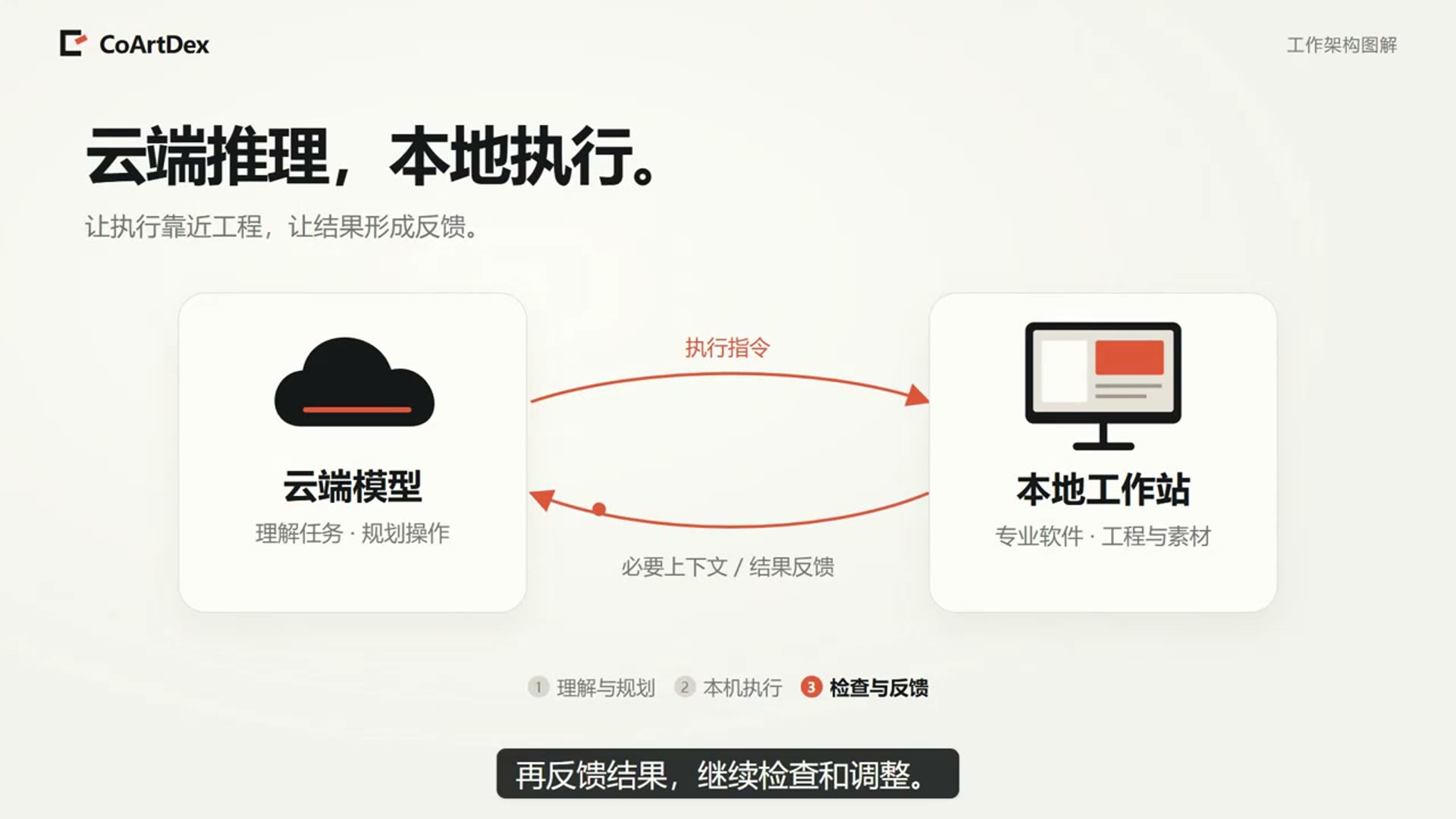
The clip introduces workspace tabs, the conversation and task entry, then switches between cloud work and a connected local computer.
Select the application and project
For local work, select the online computer, intended application and project. Check the connection component and enabled permissions rather than assuming every visible program is controllable.
Send a scoped instruction and review
Describe one concrete task with the references it needs. Inspect the returned result in the workspace and, where applicable, in the original application.
Check a comparable result
Online state, selected work location, application/project identity and actual output.
These notes describe the published recording and suggest checks for a similar task. They are not a verbatim transcript or an end-to-end benchmark. Recorded interface details and availability can differ from the current version.
Read the transcript / translated subtitles
Captions are based on automatic speech recognition. Terminology and translations are provided for reading assistance; use the original recording to check uncertain wording.
0:00 How can cloud creation and local software share one workspace?
0:04 Switch projects at the top of CoArtDex, review the conversation in the middle and enter your request below.
0:10 Before local operations, run the client, check that the computer is online, connect the editor plugin and enable the required permissions.
0:18 Select the computer, application and project. The assistant then works with that project.
0:24 Preview cloud results or return to the local application to inspect them.
0:28 Choose the correct working location before starting your first task.