← Video tutorialsDaVinci Resolve0:32
DaVinci Resolve: Edit Screen Recordings into a Tutorial
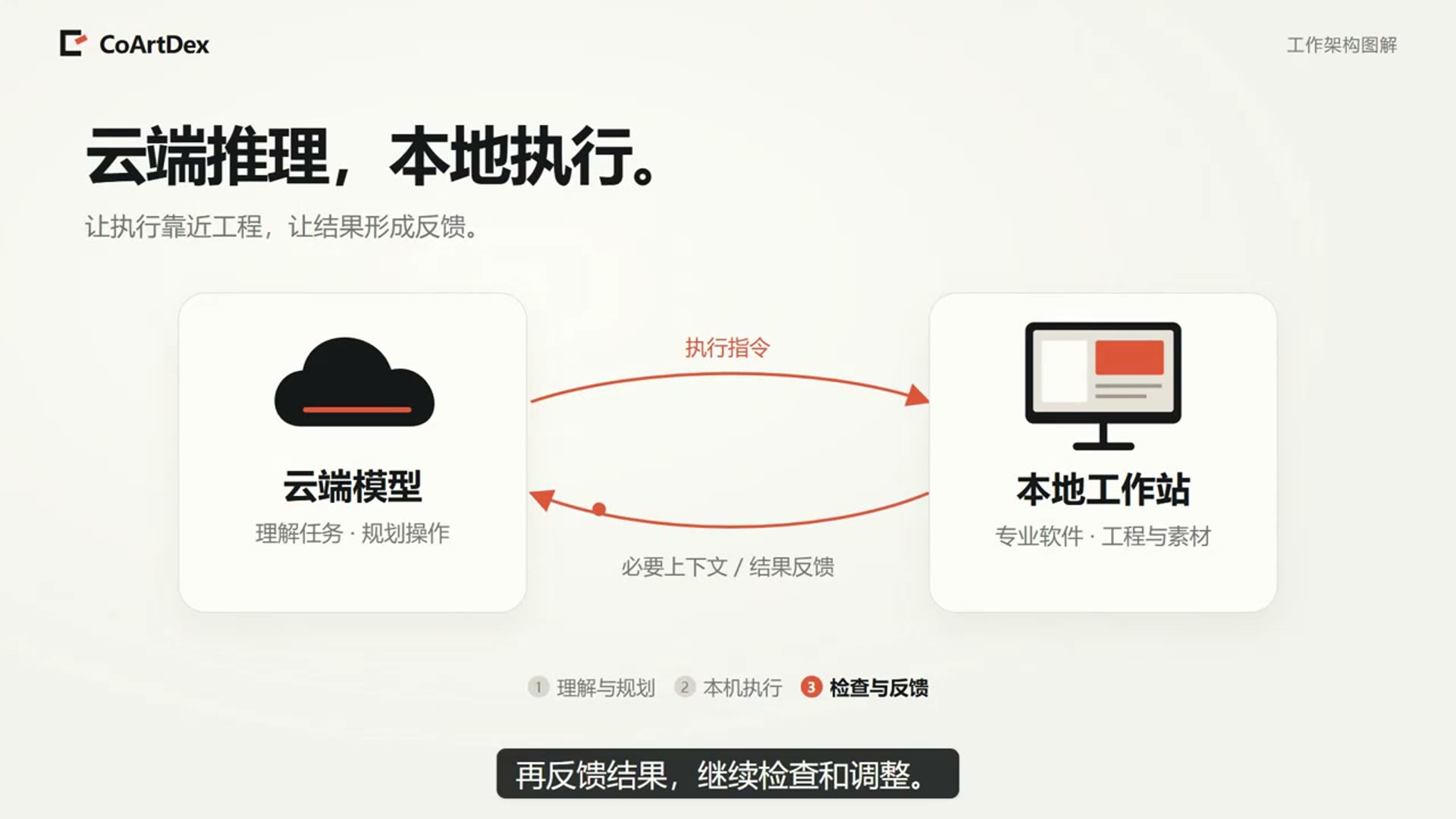
Provide multiple screen recordings and describe the chapter order, narration and subtitles. Trim waiting segments and prepare the video for export. Connect the local DaVinci Resolve project and review the footage, video and narration…
中文(自动转写) · VTT · English (translated captions) · VTT
The recording may use a Chinese interface or speech. English workflow notes appear below. Available subtitle tracks can be selected in the player.
In this tutorial
Provide multiple screen recordings and describe the chapter order, narration and subtitles. Trim waiting segments and prepare the video for export. Connect the local DaVinci Resolve project and review the footage, video and narration tracks, and subtitles in the editing timeline.
Workflow and review notes
State the edit and source order
The brief asks CoArtDex to turn recordings into a tutorial, add narration/subtitles and remove waiting segments. Provide the intended teaching sequence.
Select and review the Resolve project
The recording shows the selected local project and a timeline containing video, narration and subtitles.
Inspect playback and export settings
Review chapter continuity, voice alignment and subtitle timing in the timeline. For a comparable edit, confirm dimensions, frame rate, codec and the actual exported file.
Check a comparable result
Media links, timeline structure, waiting-segment cuts, voice/subtitle sync and export playback.
These notes describe the published recording and suggest checks for a similar task. They are not a verbatim transcript or an end-to-end benchmark. Recorded interface details and availability can differ from the current version.
Read the transcript / translated subtitles
Captions are based on automatic speech recognition. Terminology and translations are provided for reading assistance; use the original recording to check uncertain wording.
0:00 Can AI help edit this tutorial?
0:03 Provide the screen recordings to CoArtDex
0:06 and connect local DaVinci Resolve.
0:08 Describe the chapter order and narration requirements,
0:11 including the waiting time to remove.
0:13 The assistant organizes footage, prepares captions
0:16 and arranges the timeline. Back in Resolve, check the video and narration tracks.
0:21 Review the chapters and frames,
0:23 then open the Deliver page to export.
0:25 From screen recordings to an editable video project.